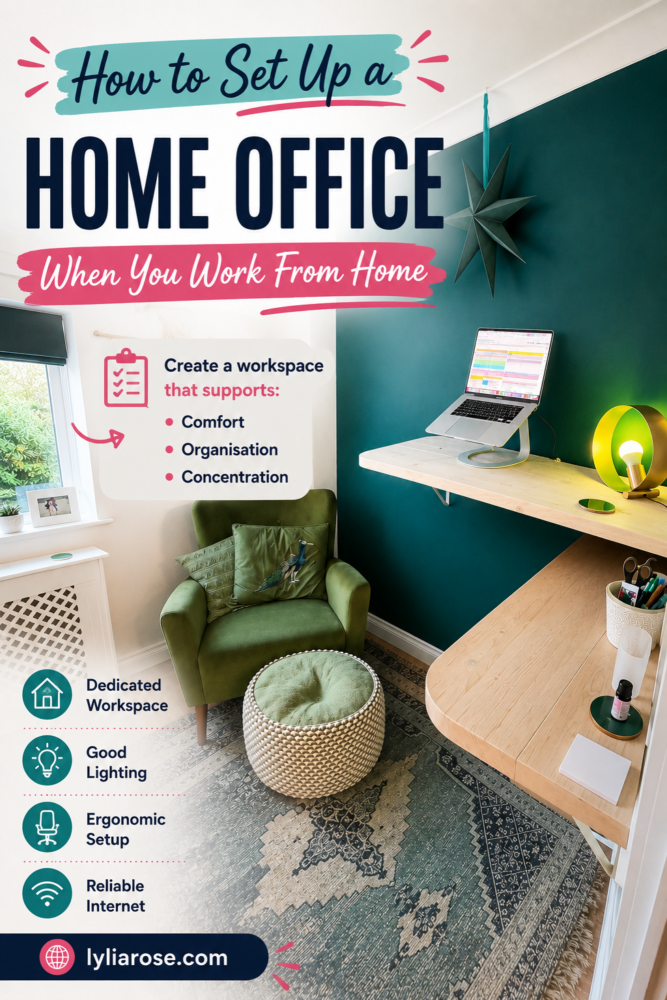
How to Set Up a Home Office When You Work From Home
Posted on
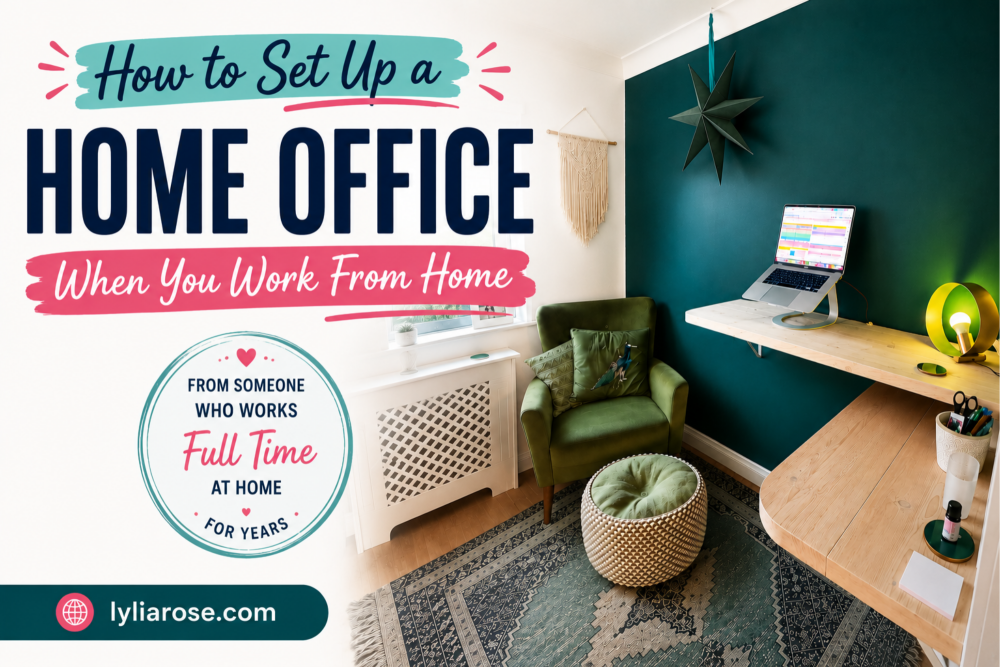
Setting up a home office properly makes a bigger difference than you'd think. I've been working from home full-time for years, and the space you work in genuinely affects how productive, motivated and focused you feel each day.
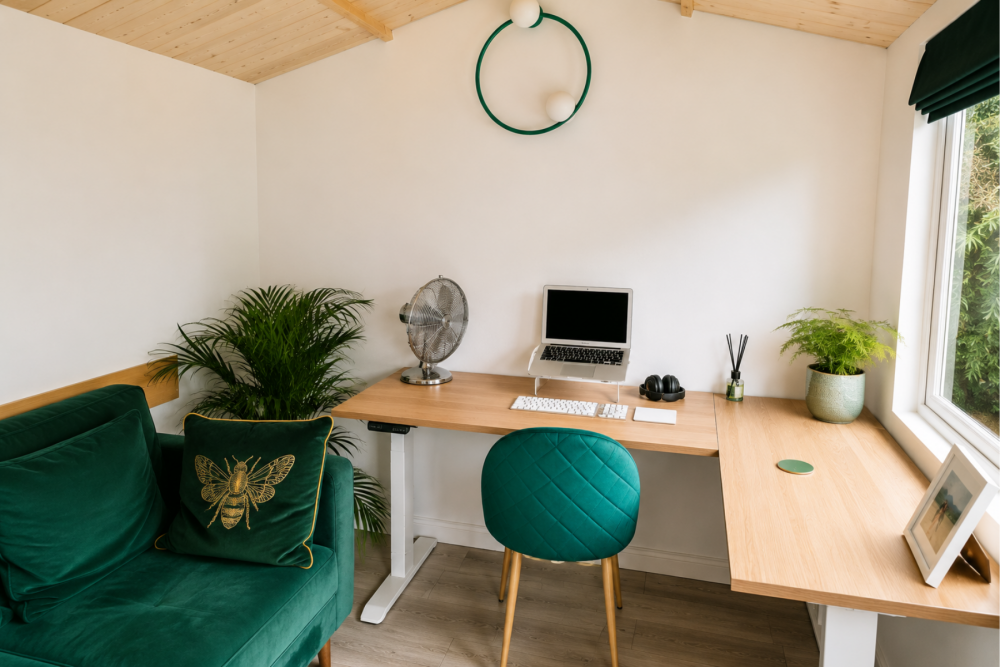
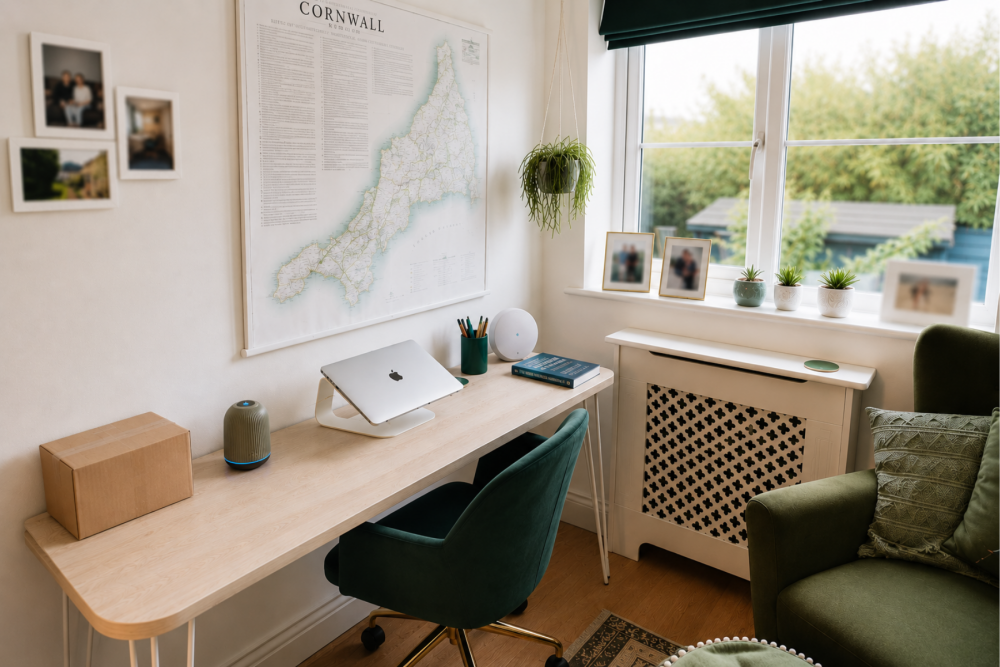
These days I have my own room - our small fourth bedroom - which I've set up exactly how I want it. On one side I have a corner stand-up desk, and opposite that a sit-down desk with a chair, plus a big armchair. So depending on how I'm feeling I can stand, sit upright at a desk, or sink into the armchair with my laptop. It works really well. My husband has his own separate garden office with a FlexiSpot sit-stand desk and a sofa, so we're not on top of each other all day - which I'd genuinely recommend if you both work from home.
It wasn't always this good though. My first proper home office was a third of my children's playroom - I had a corner carved out with their play sofa acting as a divider, and it worked surprisingly well. The plan was that they'd play while I worked, which was... optimistic, but the setup itself was solid.
Whether you're starting from scratch or just want to improve what you've already got, here's how to set up a home office that actually works.
How to Set Up a Home Office Step by Step
1. Pick the right spot
Before buying anything, decide where your office is going to be. A dedicated room is ideal, but a spare corner, an alcove, or even a section of a bedroom can work perfectly well if it's treated as a proper workspace rather than just somewhere you happen to open your laptop.
Position your desk near a window if at all possible. Natural light keeps you more alert, reduces eye strain, and is far more pleasant than staring at a wall under a harsh overhead bulb. If a window isn't an option, invest in a good daylight lamp. There's more on getting the environment right in this guide to creating a healthy home office.
2. Get a desk that fits your space
An awkward or cramped desk makes everything harder. If you've got an unusual space - a narrow alcove, an L-shaped corner, a very small room - a corner desk can be brilliant for making the most of the space. That's what I have in my own office and it frees up the rest of the room completely. If you want something truly bespoke, a local joiner or made-to-measure option online can be surprisingly affordable.
If you blog or create content, a white desk is worth its weight in gold for product photography backgrounds.
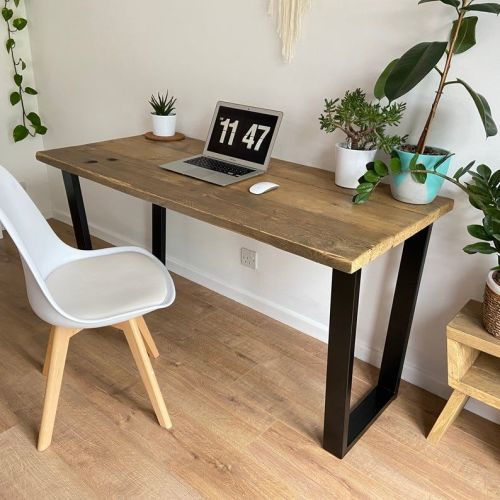
A custom desk my husband made for a customer when he had a furniture making business.
3. Invest in a proper chair
This is not the place to cut corners. If you're working at a desk for hours a day, a bad chair will hurt you - literally. An ergonomic chair that supports your lower back and keeps you sitting upright is one of the best investments you can make for your home office. Read this before you buy: how to pick the best work from home chair.
Honestly, my favourite thing about my current office setup is having options. I have a proper desk chair for focused work, but also a large armchair for reading, emails, or anything that doesn't need me sitting bolt upright. Having different positions to move between throughout the day makes a real difference - both to my back and to my focus.
You can find decent second-hand ergonomic chairs on Facebook Marketplace or eBay, so you don't necessarily need to spend a fortune brand new.
4. Sort out your lighting properly
Natural light during the day is ideal, but you'll also need artificial lighting that's good enough to work by without straining your eyes. A desk lamp with adjustable brightness is useful - you'll want different levels depending on whether it's a bright afternoon or a dull winter morning. LED bulbs are worth it for energy efficiency in the long run.
5. Ensure you have a reliable internet connection
A slow or unreliable connection is one of the most frustrating things about working from home. If yours is inconsistent, running an internet speed test is the quickest way to check you're actually getting what you're paying for - if not, call your provider. It's also worth making sure your router is positioned close to your workspace or using a wired ethernet connection if WiFi signal in that part of the house is weak.
6. Create a proper storage system
Clutter kills focus. Having a specific home for everything - files, stationery, equipment, paperwork - means you're not wasting time hunting for things and your desk stays clear enough to actually work on. Filing cabinets, shelving, drawer units and desk organisers all help, and you can keep your office organised without spending a lot if you shop at discount stores or repurpose containers you already have.
7. Get the right equipment for your work
Think about what your specific job actually requires and make sure you've got reliable kit for those tasks. For most home workers, this tends to include:
- A fast, reliable printer - the HP Envy range is popular for home office use
- A good scanner - if you do a lot of document scanning, something like the Kodak Alaris E1030 document scanner is a step up from a standard all-in-one
- A shredder if you deal with confidential paperwork
- A second monitor if you work across multiple windows or tabs - genuinely life-changing once you try it
Don't buy everything at once. Start with what you genuinely need right now and add to it as your work evolves.
8. Add some greenery
A plant or two on your desk genuinely does make the space feel nicer. Succulents are the obvious low-maintenance choice, but trailing plants on shelves, a small potted herb on the windowsill, or whatever you actually like the look of will do the same job. It sounds like a small thing but it makes a real difference to how pleasant your office feels to spend time in.
9. Keep the colour scheme calm
Light, neutral walls and furniture keep the space feeling open and easy to concentrate in. Save bold colour schemes for other rooms. If you want to add personality, do it through artwork, cushions, plants and accessories rather than painting everything bright yellow and wondering why you can't focus.
10. Personalise it enough to enjoy being there
Your home office should feel like yours. A few photos, some artwork you actually like, a meaningful object or two - these things make a workspace feel welcoming rather than sterile. You're going to spend a lot of time in this room, so it's worth making it somewhere you want to be.
11. Set boundaries to protect your focus
If you live with other people, make sure they know your working hours and what interruptions are acceptable during the day. Even with a great physical setup, constant interruptions will wreck your productivity. A closed door is a simple but effective signal. Noise-cancelling headphones are useful if your home is noisy.
If both you and your partner work from home, having separate spaces is a game changer. My husband works from his garden office and I work from mine upstairs - we genuinely don't see each other all day, which sounds odd but makes the evenings so much better. It's worth thinking about even if it means one of you is in a garden room, a converted garage, or just a different floor of the house. And it's worth being aware of what remote work does to your back if you're sitting for long stretches each day.
Setting Up a Home Office on a Budget
You don't have to spend a lot to set up a workspace that functions well. Here's how to do it affordably:
Repurpose what you already have. A solid table, a console table, or even a wide shelf can work as a desk. Look around the house before buying anything new.
Buy second-hand. Facebook Marketplace, eBay, and charity shops regularly have decent office chairs, shelving and furniture at a fraction of new prices. A lick of paint or new handles can transform a tired-looking piece.
Use free digital tools. Trello, Notion, Google Workspace - there are free or very affordable versions of almost every productivity tool you'd need. Don't pay for software you haven't tried the free version of first. If you're also trying to keep things green, there's a whole guide on building an eco-friendly and money-saving home office.
DIY your storage. Mason jars for pens, shoeboxes covered in wrapping paper for filing, a strip of pegboard from a DIY shop for tools and accessories - simple, cheap, and often more satisfying than bought versions.
Shop discount stores for the small stuff. Desk organisers, cable tidies, storage boxes - these don't need to be from a specialist office supplier. Discount stores and pound shops stock perfectly serviceable versions.
Final Thoughts
Setting up a home office well is genuinely worth the effort. A space that's comfortable, organised and set up for how you actually work means you'll get more done, feel less stressed, and find it easier to switch off at the end of the day.
You don't need to do everything at once or spend a lot. Start with the basics - a decent desk, a good chair, reliable internet and proper lighting - and build from there.